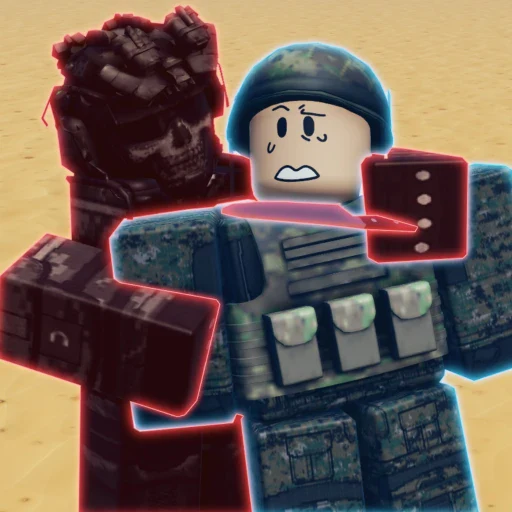
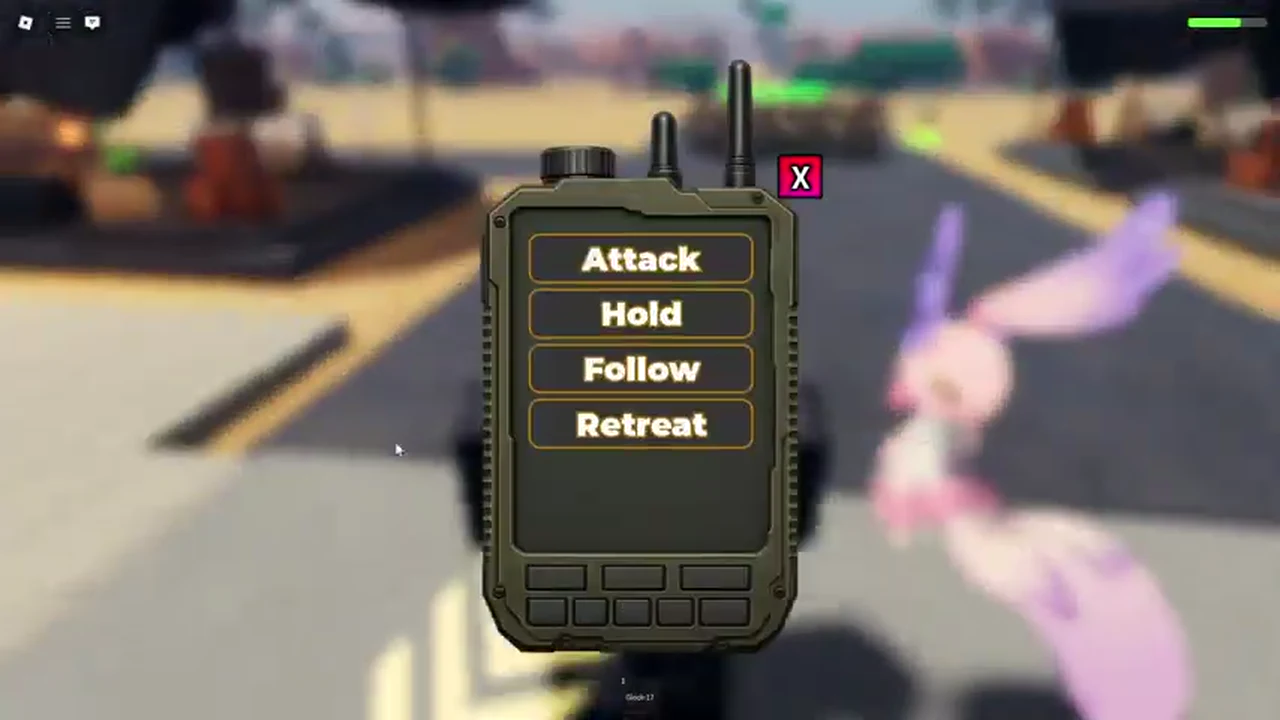
Safe opening: Military Army Tycoon’s official Roblox description confirms that your army can capture strategic locations. Current gameplay also shows marked flag/capture zones and an Orders control used alongside your troops.
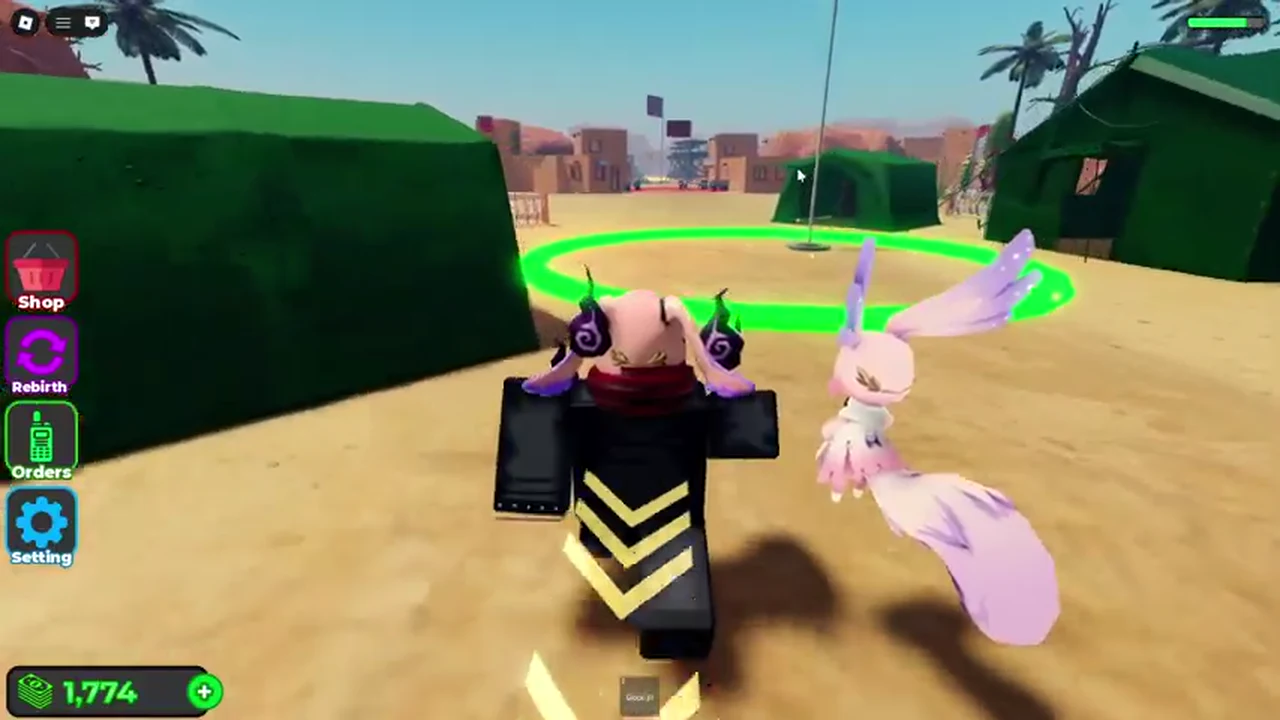
How capture locations work
Current gameplay shows a marked flag and capture area in the world. Move your player and squad toward the marked zone, watch the area state, and treat the objective as active only when the game indicates it.
How to bring your squad
The current Orders panel visibly presents four labels:
- Attack
- Hold
- Follow
- Retreat
These labels are shown in the panel; use the live interface to determine the appropriate action in the moment.
What to upgrade before capturing
Build a base that can support your next step, choose a squad, and equip a current weapon before moving toward a contested area. Use the Base Guide, Squads Guide, and Weapons Guide to review those systems.
Start with the loop
The Beginner Guide connects base progression, army composition, battle, and capture.
Keep objectives current
Exact location names and capture rewards are not listed here; check the current in-game objective display.