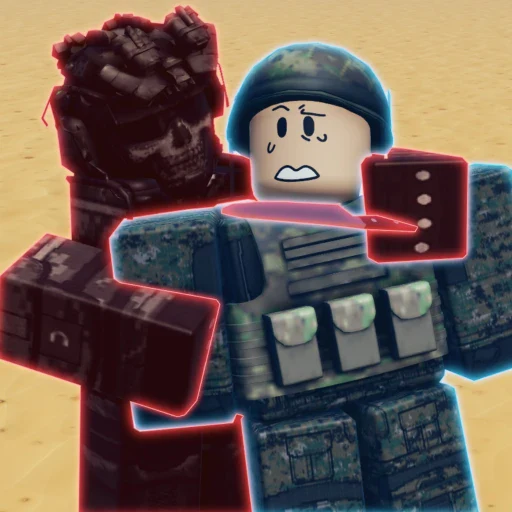
First-session loop: build the base → unlock squads and weapons → compose an army → battle and capture → let the game autosave.
1. Establish your base
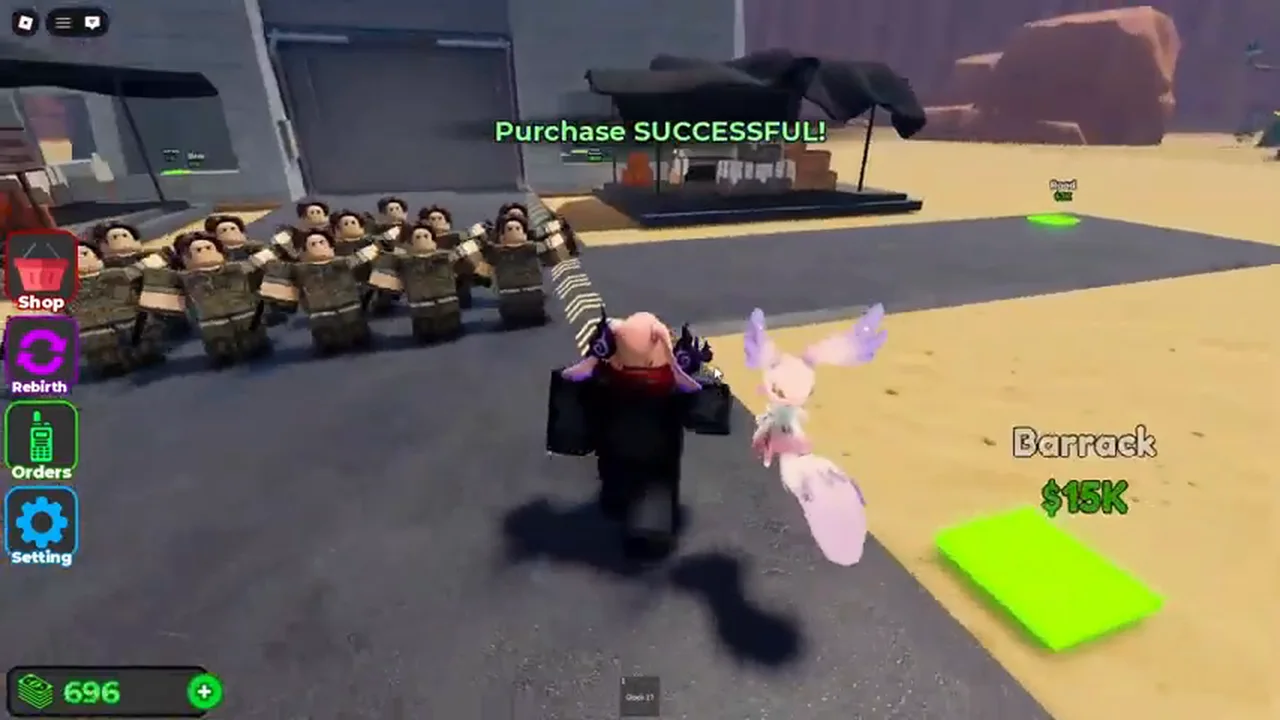
Start by reading the visible purchase pads in your base area. Current early-game snapshots show Paths — $100 and Dropper — $150. Collect funds and reinvest into the next visible interaction rather than assuming a fixed build order.
2. Read the squad and weapon choices
The current squad interface shows Pistol Squad, Rifle Squad, and SMG Squad; the Rifle Squad has a visible $20K price snapshot. Current gameplay also shows the Glock-17 and AK-47 Rifle, with the AK-47 Rifle shown at $10K in a base purchase view.
3. Assemble and move an army
After your base supports the next step, deploy the available army and follow the on-screen order. Keep formations readable and watch the current interface for changes rather than relying on an unverified route.
4. Enter the battle loop
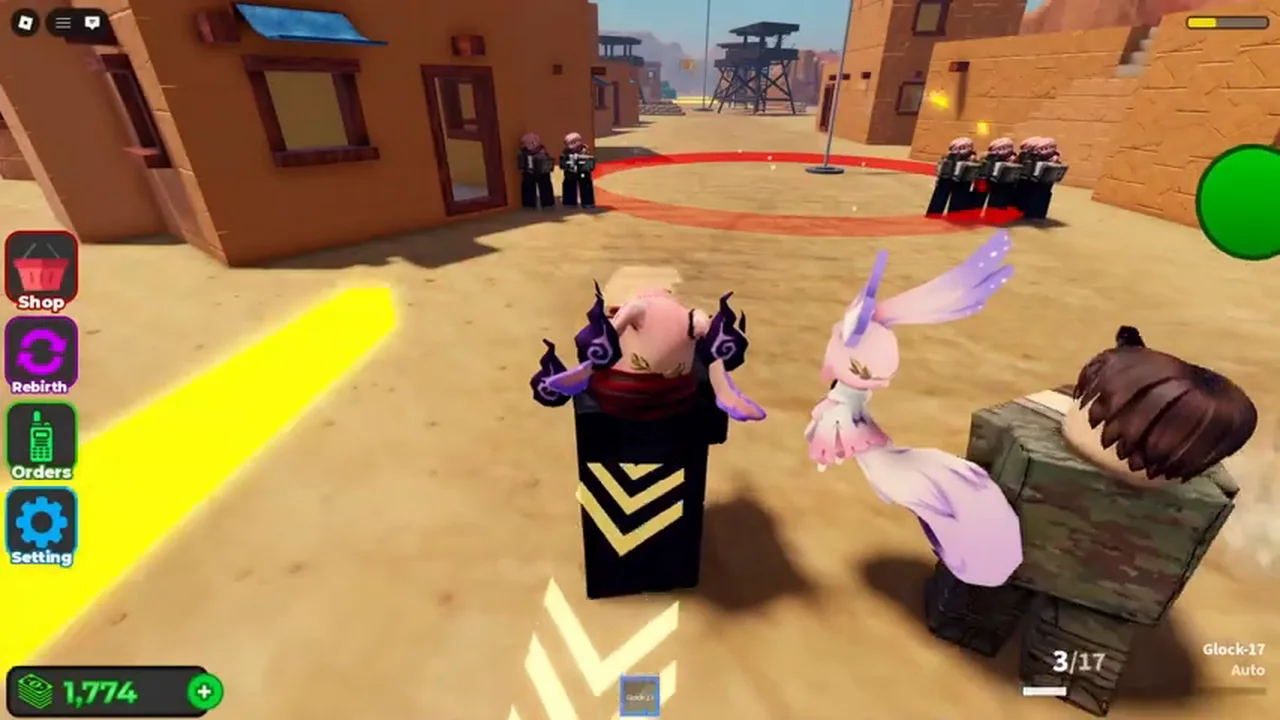
Move from your base toward the active combat area. Current gameplay shows marked strategic capture zones and an Orders control used alongside troops. Exact map names and capture rewards are not part of this guide.

5. Let progress save
Military Army Tycoon includes automatic progress saving in its broad gameplay loop. Allow the game to finish a transition before leaving, and re-check your current state when you return.
Next read
Claim the current codes, then inspect the base guide, squad guide, and weapons guide. For capture zones, continue to the Outposts Guide.
Keep expectations grounded
Group boost amount/effect, exact unit stats, map names, capture rewards, and “best” lists are not confirmed here.